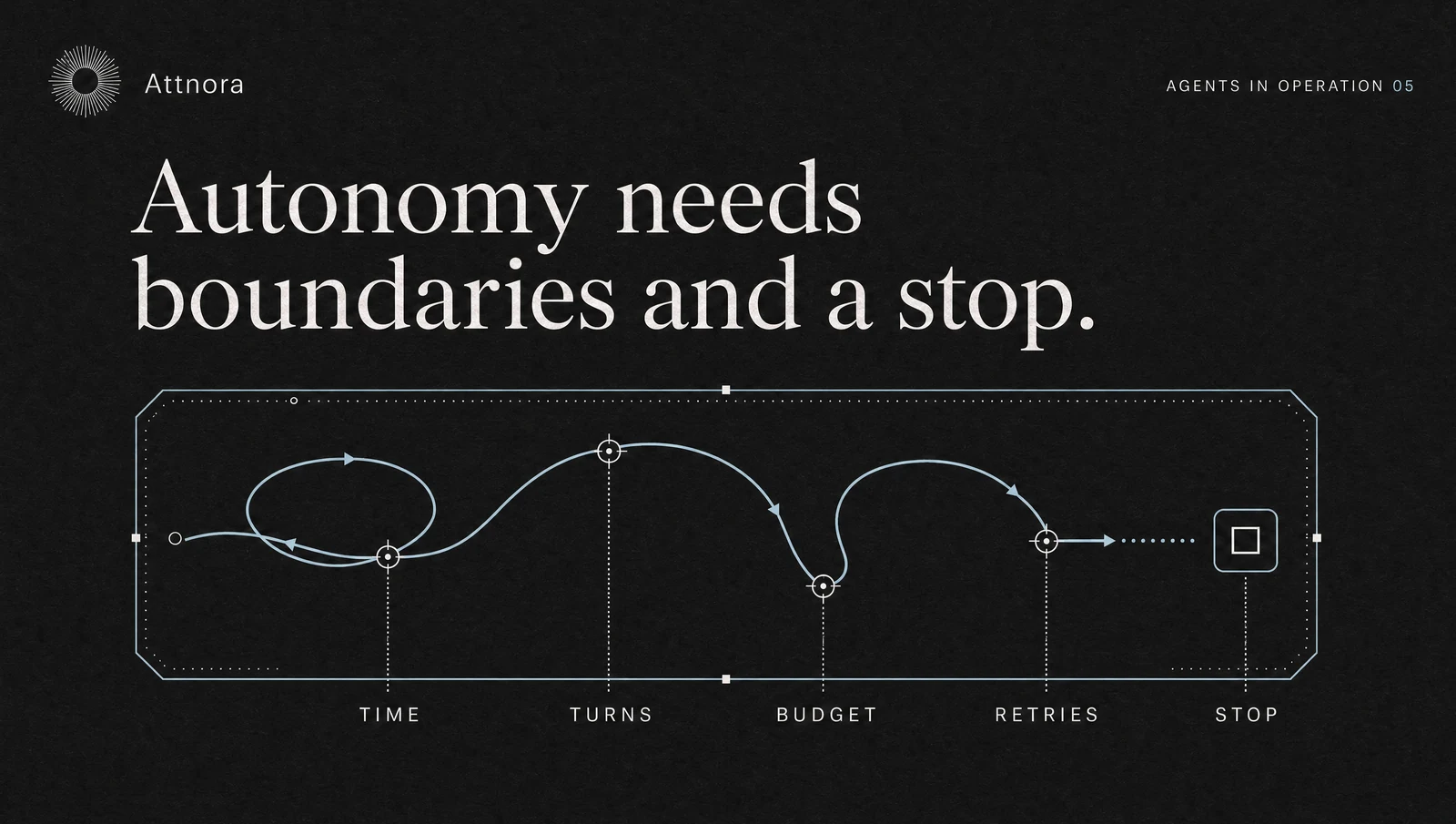
Before an AI agent starts, it needs an answer to an uncomfortable question: When does it give up? Without clear stop conditions, an agent may repeat the same search, call tools with slightly different parameters or oscillate between two subtasks. This costs money and can place a burden on target systems.
A kill switch is the final safeguard. Good systems stop much earlier through normal operating rules.
Distinguish Technical and Task-Specific Stop Conditions
Technical limits are easy to measure:
- maximum number of steps,
- maximum retries per tool,
- time limit per step and workflow,
- token or cost budget,
- rate limit per target system.
Task-specific limits depend on the assignment. An agent should stop when authoritative sources conflict, a required approval is missing, an amount falls outside the permitted range or the required quality of evidence cannot be achieved.
Both types are necessary. An agent can run without technical errors and still make no meaningful progress on the task.
Define Progress Explicitly
Step counters alone are crude. Define what constitutes progress. In research, it may be a new reliable source. In troubleshooting, a new test status. In data capture, a validated record.
If several steps produce no new state, the agent should stop or escalate. This prevents loops that contain formally different tool calls but change nothing of substance.
Control Retries by Error Class
Not every error should be retried. A temporary network problem may justify a retry. Missing permission, a validation error or a rejected approval will not improve through repetition.
Classify errors accordingly:
- temporary: a limited retry after a delay,
- correctable: adjust the parameters once and check again,
- permanent: stop immediately,
- unclear: escalate to a human.
A global "try again three times" rule is too undifferentiated for agents.
Set a Cost Budget per Task, Not Just per Month
Monthly budgets detect problems late. A single faulty agent can generate many calls in a short time. Set an additional budget per workflow or assignment.
The budget can combine several measures: model costs, external API costs, compute time and the number of expensive tool actions. When the limit is reached, the agent should save its state and stop with a clear explanation.
What a Kill Switch Must Do
A kill switch must do more than prevent the next model call. It should terminate running jobs, block new tool actions, revoke temporary permissions and preserve the current state for investigation.
Test the mechanism regularly. A button in the dashboard is not a control if a worker continues in the background or actions already scheduled are still executed.
Escalate Instead of Failing Silently
A clean termination provides:
- the state reached,
- the stop condition,
- actions already performed,
- open risks,
- the next sensible human decision.
This allows a person to take over without rereading the entire history. An agent that reports only "Task failed" shifts the work back to the human.
Evaluate Stop Conditions
Deliberately test problematic situations: unreachable APIs, contradictory documents, missing permissions, very long tool outputs and tasks without a clear solution. Check whether the agent stops in time and whether the saved state allows work to resume safely.
Sources
- OWASP, Agentic AI Threats and Mitigations: https://genai.owasp.org/resource/agentic-ai-threats-and-mitigations/
- NIST AI Risk Management Framework: https://www.nist.gov/itl/ai-risk-management-framework
- Google SRE Book, Handling Overload: https://sre.google/sre-book/handling-overload/
- OpenAI on X about long-running agents and Context Compaction: https://x.com/OpenAI/status/2082616641834422740
Next Step
For a pilot, define maximum steps, retries, runtime and costs. Add three task-specific stop conditions and an escalation path. Then run a test that deliberately reaches each limit and verify that no downstream action continues to run.